


As a supplier, you know whether the services and candidates you provide are taxable or nontaxable. And your clients rely on you to correctly designate whether a US engagement is taxable or nontaxable.
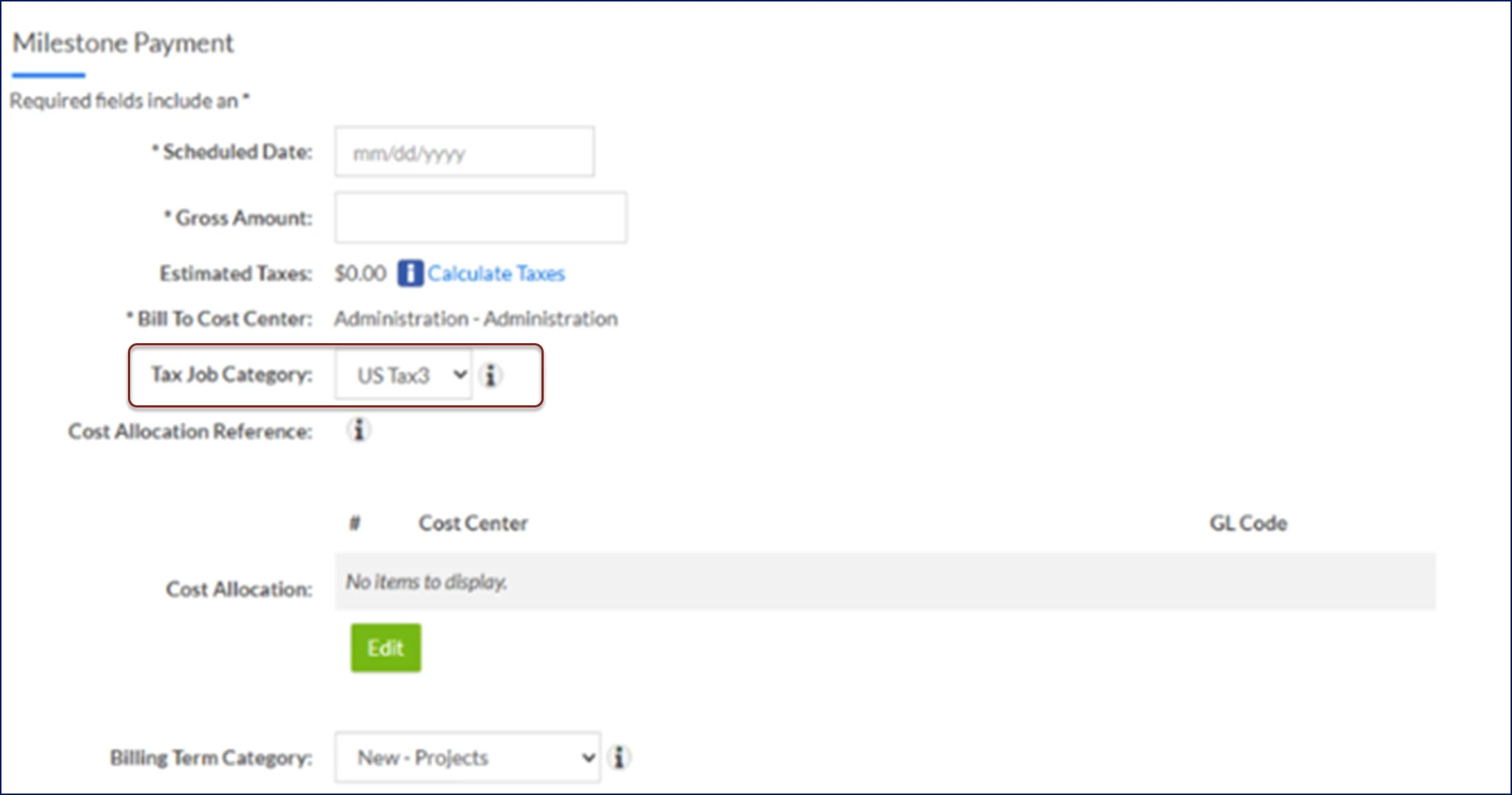
When you submit a billable or nonbillable candidate to a requisition, the tax job category used for tax calculations defaults based on the Request Type and Project Type settings. But if your client is using Beeline Enterprise’s Zip2tax™ integration, you can select a different tax job category when you accept an offer or submit a milestone payment.
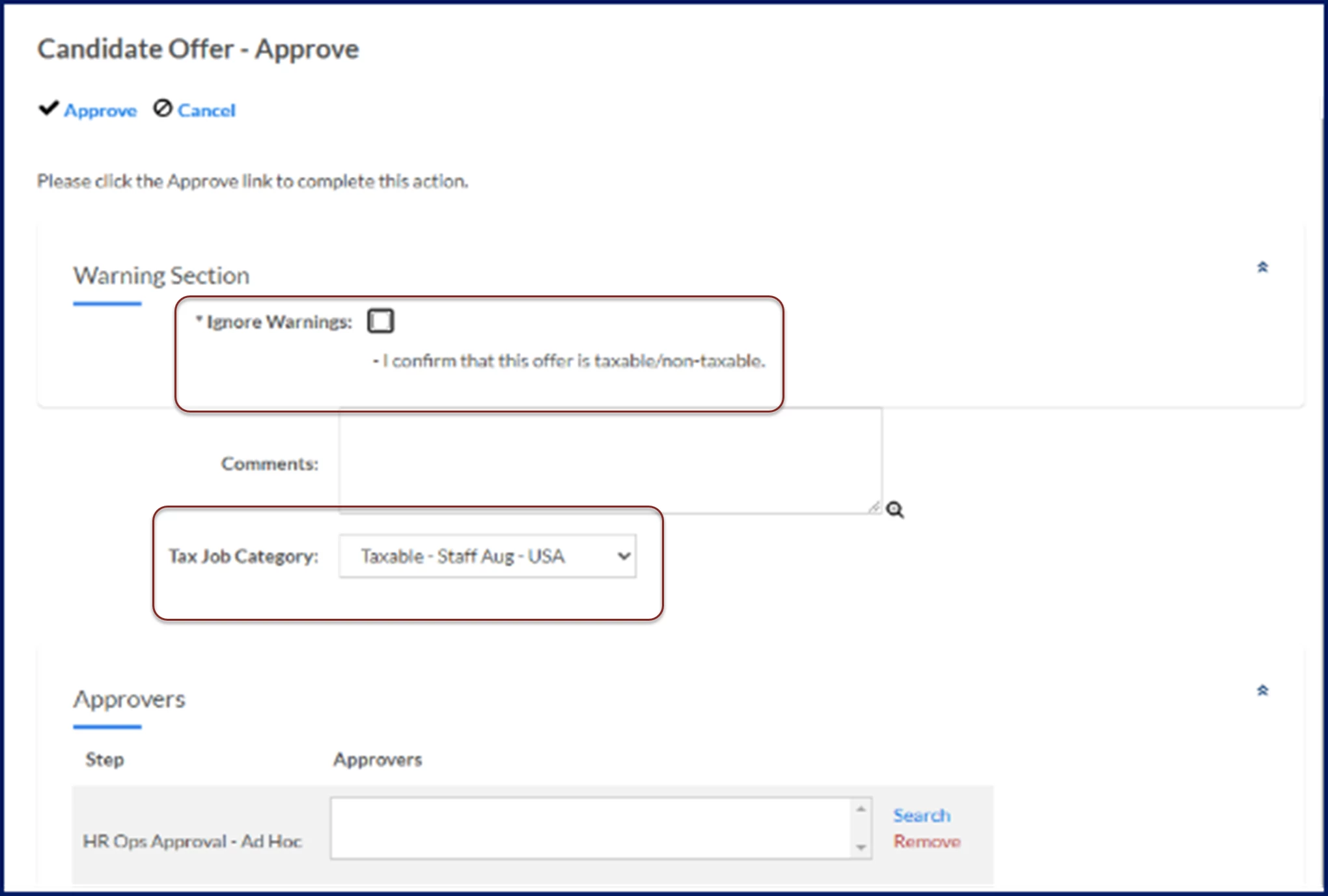
When you accept a candidate offer, you must also confirm the offer is correctly categorized as taxable or nontaxable. The taxable or nontaxable designation you choose, the job tax category and the work location zip code drive the sales tax rate automatically applied to invoiced transactions associated with an assignment.
TIP: Zip2tax helps clients manage and update US sales tax data in Beeline Enterprise.
Accepting a candidate offer example
Submitting a milestone payment
Documentation release: Beeline Enterprise | Q2 2025