


Standard Login
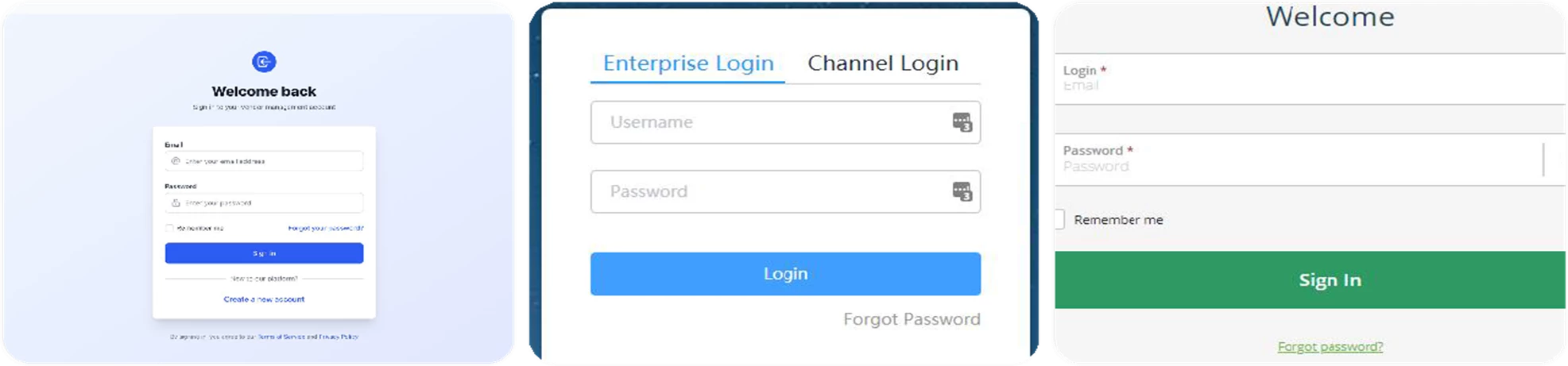
To access Beeline Enterprise, follow these steps:
- Open your web browser (Google Chrome recommended).
- Go to your company’s Beeline login page (provided by your employer or vendor manager).
- Enter your:
- Username (usually your email address)
- Password
- Click Sign In.
First-Time Login Setup
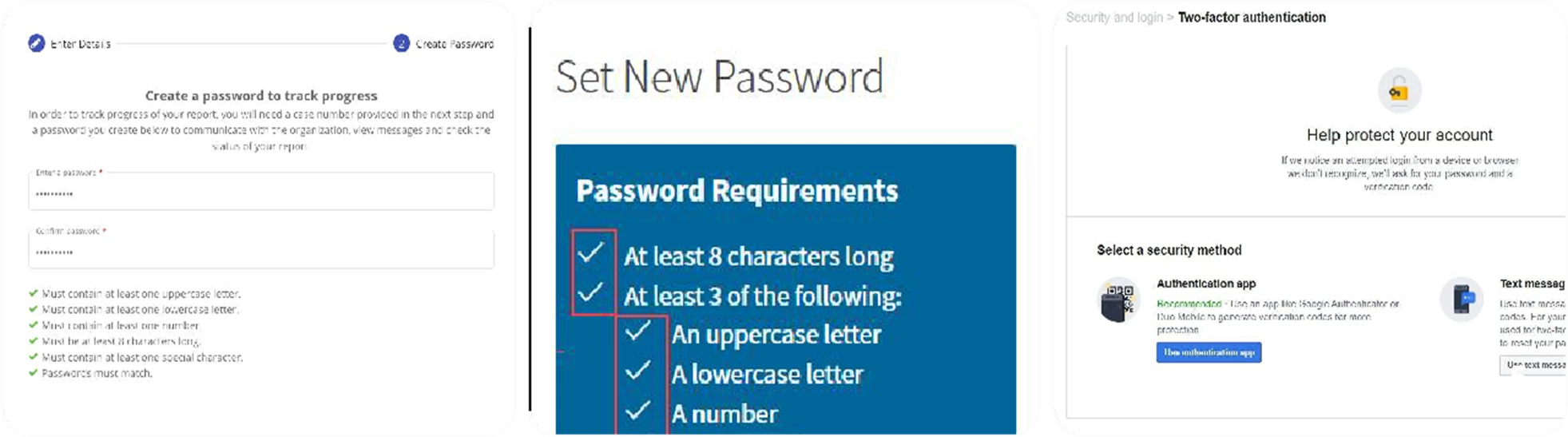
If this is your first time logging in:
- Check your email for a Beeline Welcome Email.
- Click the activation link.
- Create a secure password (follow the listed requirements).
- Set up security questions (if prompted).
- Complete multi-factor authentication (MFA) setup (phone/email verification).
Forgot Password or Login Issues
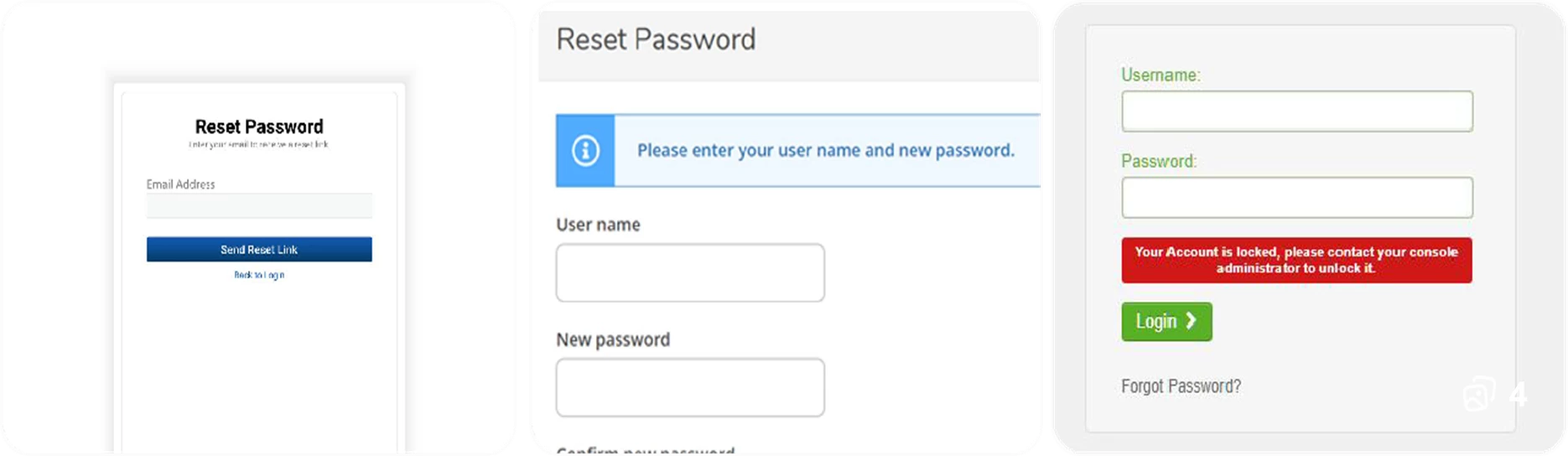
If you cannot log in:
- Click “Forgot Password” on the login page.
- Enter your email/username to receive a reset link.
- Follow instructions to create a new password.
Still having issues?
- Contact your vendor manager or program administrator
- Or reach out to your company’s IT/help desk
Multi-Factor Authentication (MFA)
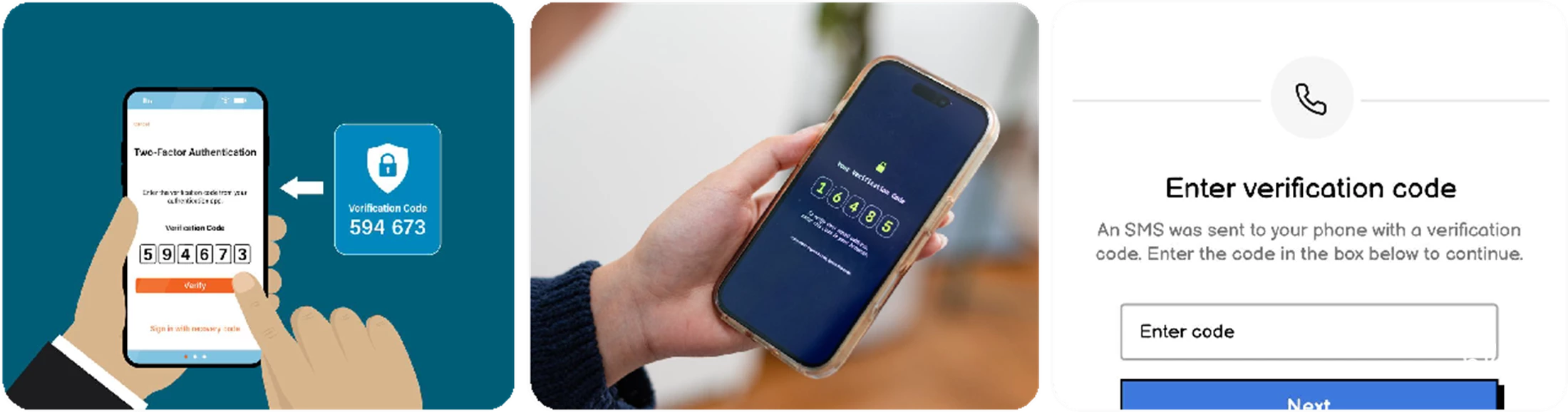
For added security, Beeline may require MFA:
- Enter the verification code sent to your phone or email
OR
- Approve the login via an authentication app.
Important Tips
- Always use a secure internet connection
- Do not share your login credentials
- Log out after each session (especially on shared computers)
- Keep your contact details updated in the system
Support & Assistance
If you experience ongoing issues:
- Contact your Beeline Program Administrator
- Reach out to your staffing agency/vendor
Check internal training resources or job aids.