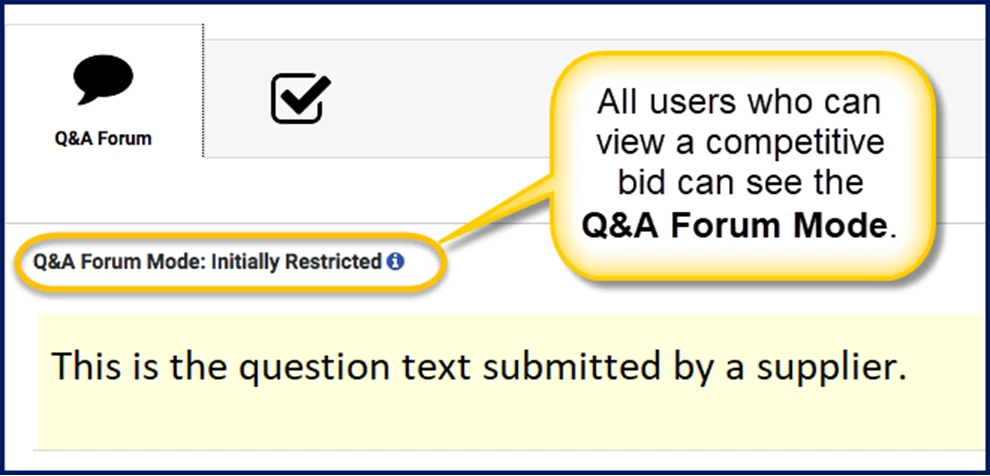
Vendors participating in a sourcing event occasionally want clarification from the clients before responding to an item in a competitive bid. As a client, you can manage suppliers’ questions during the bidding process and choose from one of three options when responding to a supplier’s question on a bid item. All users who can view a bid can instantly see the Q&A Forum Mode.
Option
Description
Public
This mode is the default setting. Each question and answer is visible to every supplier on the bid. Although the question is publicly visible, the supplier who submitted the question is anonymous.
Private
Each question and answer is visible only to the supplier who submitted the question.
Private with Option to Make Public
. Each question is visible only to the supplier who submitted the question. However, the client can choose to make the question and the answer public. Only client users with privileges to answer questions can make a private question public.
Main benefits
Adding the Q&A Mode option on your competitive bid templates provides clients and suppliers with an alternative to converse privately during the sourcing process.
Suppliers can privately ask questions to get clarifications on a bid element before submitting a bid.
Suppliers can respond more intelligently after getting answers to their questions.
Clients can determine whether a supplier understands a bid element.
Clients can respond to a supplier’s questions privately and/or publicly.
Questions are submitted and answered from your VMS. No need to make a phone call or send an email.
Persona
All users who can view competitive bids
Managed Service Providers (MSPs)
Suppliers
Self-Managed Programs
Action required
Adding the Q&A Mode feature to the Competitive Bids component in your Services Procurement module requires a Make a Change ticket, Enterprise configuration, and user permissions. Open a ticket and then contact your Client Operations Manager (COM) to set up the Q&A Mode feature on your competitive bid templates.
Managing your Q&A forum questions
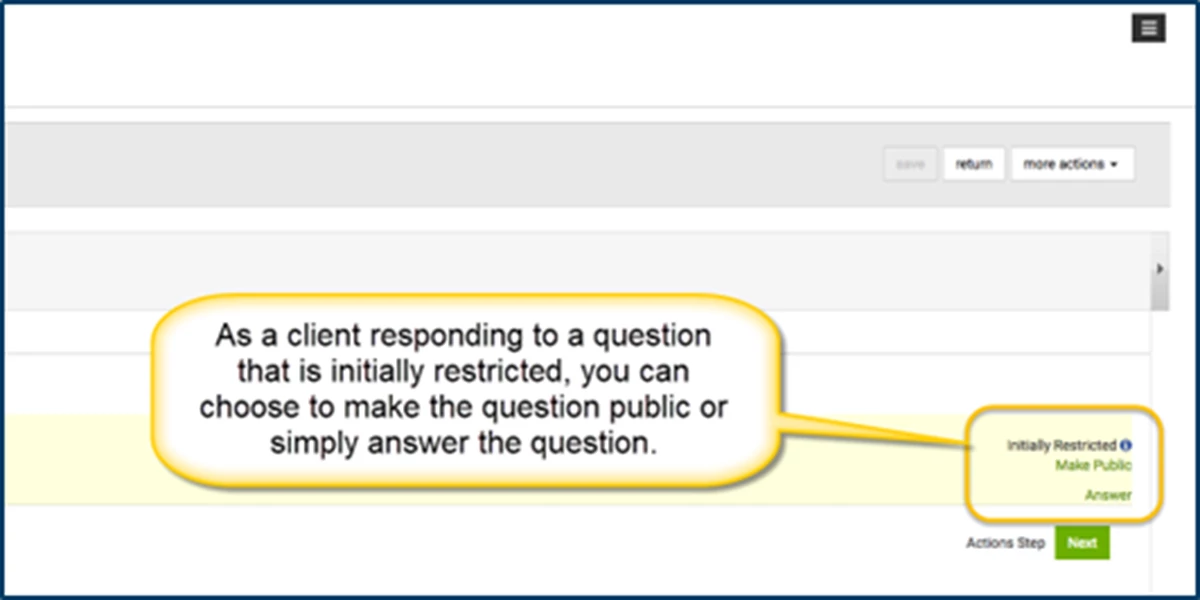
As a program office user, you can decide how to manage suppliers’ questions during a bidding process. If your organization sets the Q&A Forum on competitive bids to Initially Restricted (Private), you can choose to simply answer the question or answer the question and make the exchange public information.
To change the status of a restricted question, complete these steps from your Enterprise dashboard.
Navigate to the competitive bid you’re managing.
Select ViewDetails.
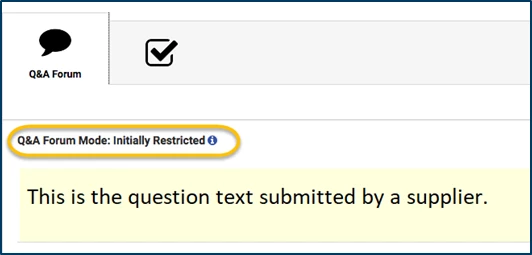
Select the Q&A Forum tab. The Q&A ForumMode displays near the tab heading.
Select the question you want to answer, and then take one of these actions:
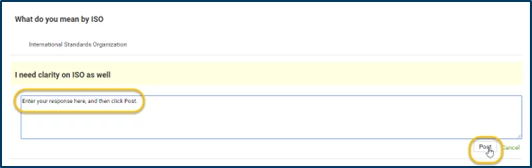
Select Answer
Type your response.
Select Post. OR
Select Make Public.
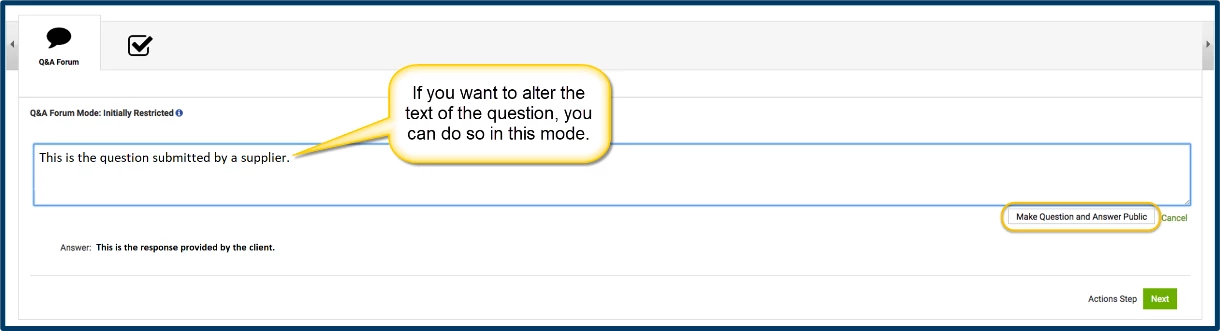
Optional. Update or alter the text of the question to make it accurate. For example, you can fix spelling or grammar errors if the question includes a typographical error.
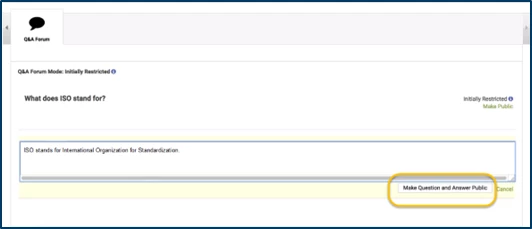
Select Make Question and Answer Public. A dialog displays so you can confirm you want to make the exchange public.
Select OK.
Select Answer
Type your response.
Select Post.
Now the supplier’s question and your response are visible to all users who can contribute to the competitive bid you selected.
Please complete the following fields as part of your Beeline Community registration. Unless noted as private, this information will be displayed on your user profile within the community.