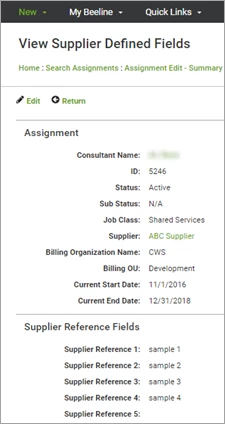
Supplier Reference Fields are additional data fields associated to the assignment record that enable suppliers to incorporate their “back office” information into Beeline Enterprise. Suppliers can use these fields for the purpose of their choice. We expanded the original two fields to include a current total of ten although this expansion is only available for Ad hoc 2.0 accounts. Supplier Admin users have edit rights to these data fields and those assigned the Supplier user role have “view only” rights.
This content reflects non-client specific Beeline Enterprise functionality which may vary from what you see when logged into Beeline Enterprise depending on any client-specific settings or adjustments.
To access supplier reference fields:
- Navigate to your Beeline Enterprise Home screen.
- Open the assignment record you plan to update with these fields.
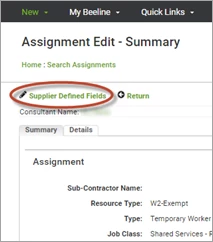
- Click Supplier Defined Fields. The screen refreshes to reveal these fields.
Optional. Supplier Admins: Click Edit to make changes to content in these fields. Click OK to save your changes.
Access path to Supplier Reference Fields:
View/Edit screen for Supplier Reference Fields: