


Persona
Clients, program office users and system administrators
How to steps
Information in this article reflects a standard Enterprise configuration. Your Enterprise platform is based on your organization’s configuration. Settings and/or data visibility rules may vary slightly from what is described.
To accomplish your task, complete these steps from your Enterprise dashboard.
-
From the My To Do List, select the You have timesheets to approve link. The Approval Central page displays.
-
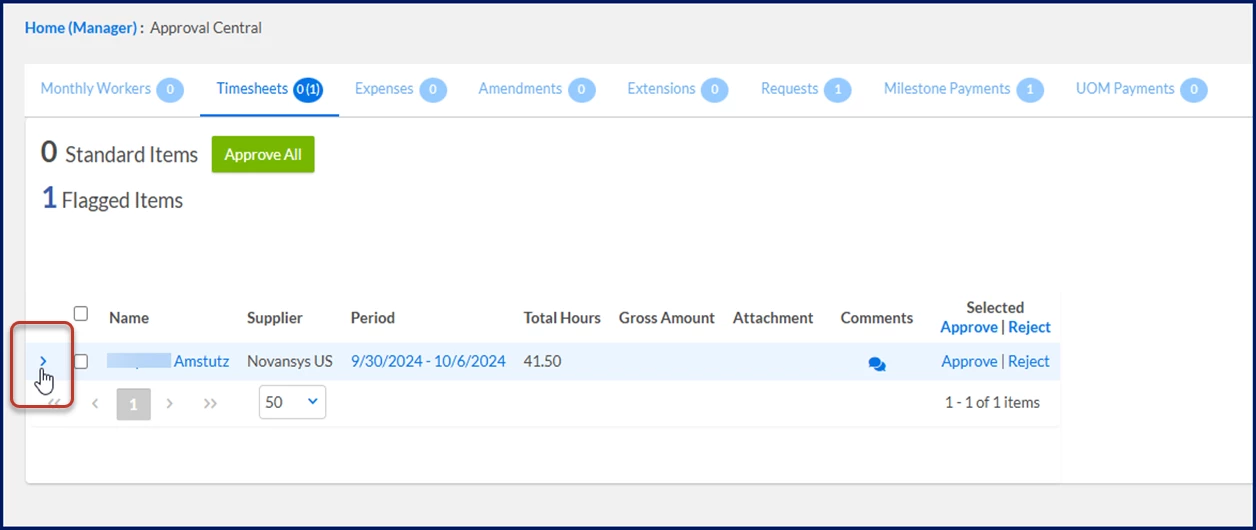
Select the Arrow to the left of the contractor’s name to view details for the selected timesheet.
-
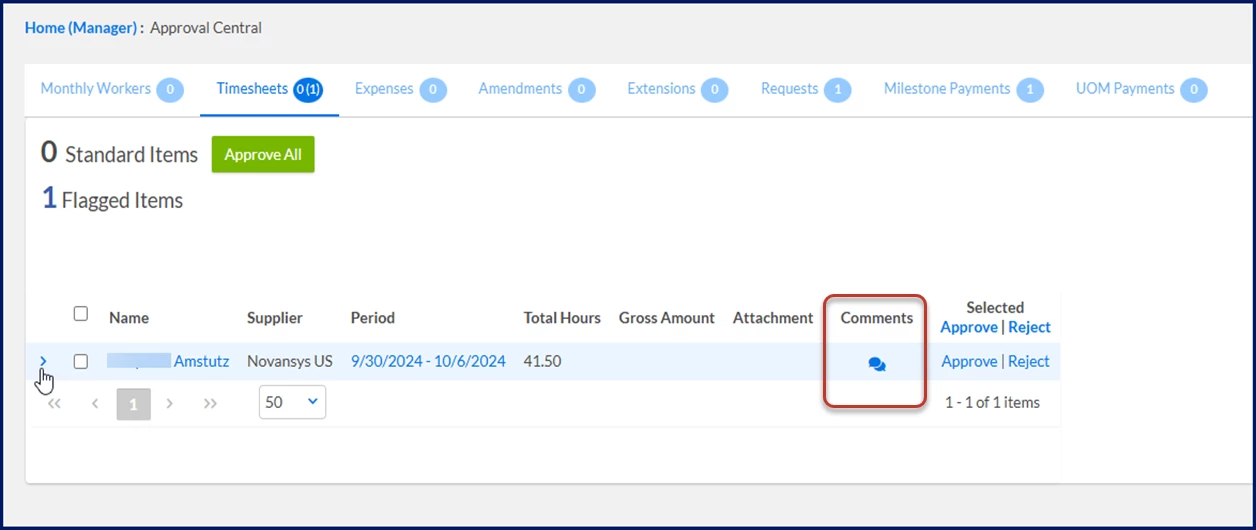
Optional. Select the Comments icon to enter remarks about the timesheet.
-
Select Approve.
OR
Select Reject, and then add an explanation for why you’re declining the timesheet.