Each miscellaneous fee is routed through your Beeline Workforce Management System based on the fee type and the approval workflows configured for your organization. You can easily view a high-level summary of the completed approval workflow steps associated with a miscellaneous fee by drilling down into the fee status and selecting the CompleteHistory link. Viewing the completed workflow steps helps you understand the overall status of a miscellaneous fee.
To view a high-level summary of the completed approval workflows for a miscellaneous fee, complete these steps from your Enterprise dashboard.
From the Simple Search option at the upper right of your dashboard, enter an assignment ID or a resource name for the active assignment to which you want to add a miscellaneous fee. An Assignment page displays.
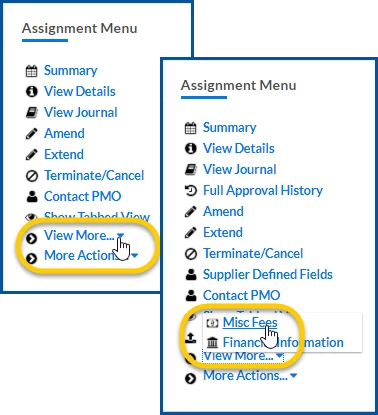
From the AssignmentMenu in the lower left corner, select ViewMore > Misc Fee. An Assignment Edit –MiscFee page displays.
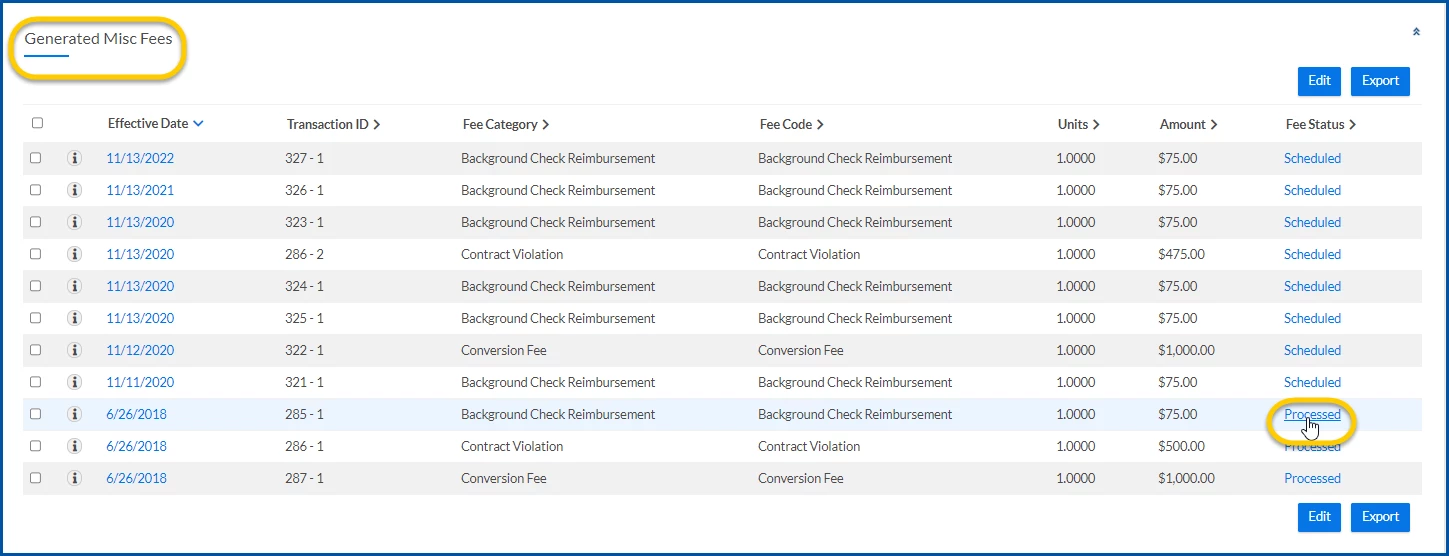
Select the link in the FeeStatus column. A ViewApprovalDetails page displays.
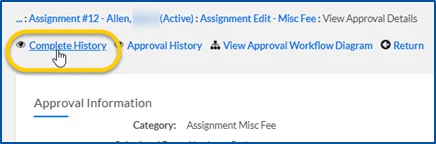
From the ViewApprovalDetails page, select CompleteHistory to view a high-level summary of the completed approval workflows in an ApprovalHistory page.
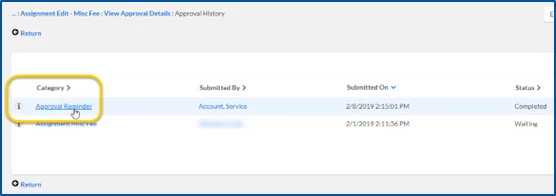
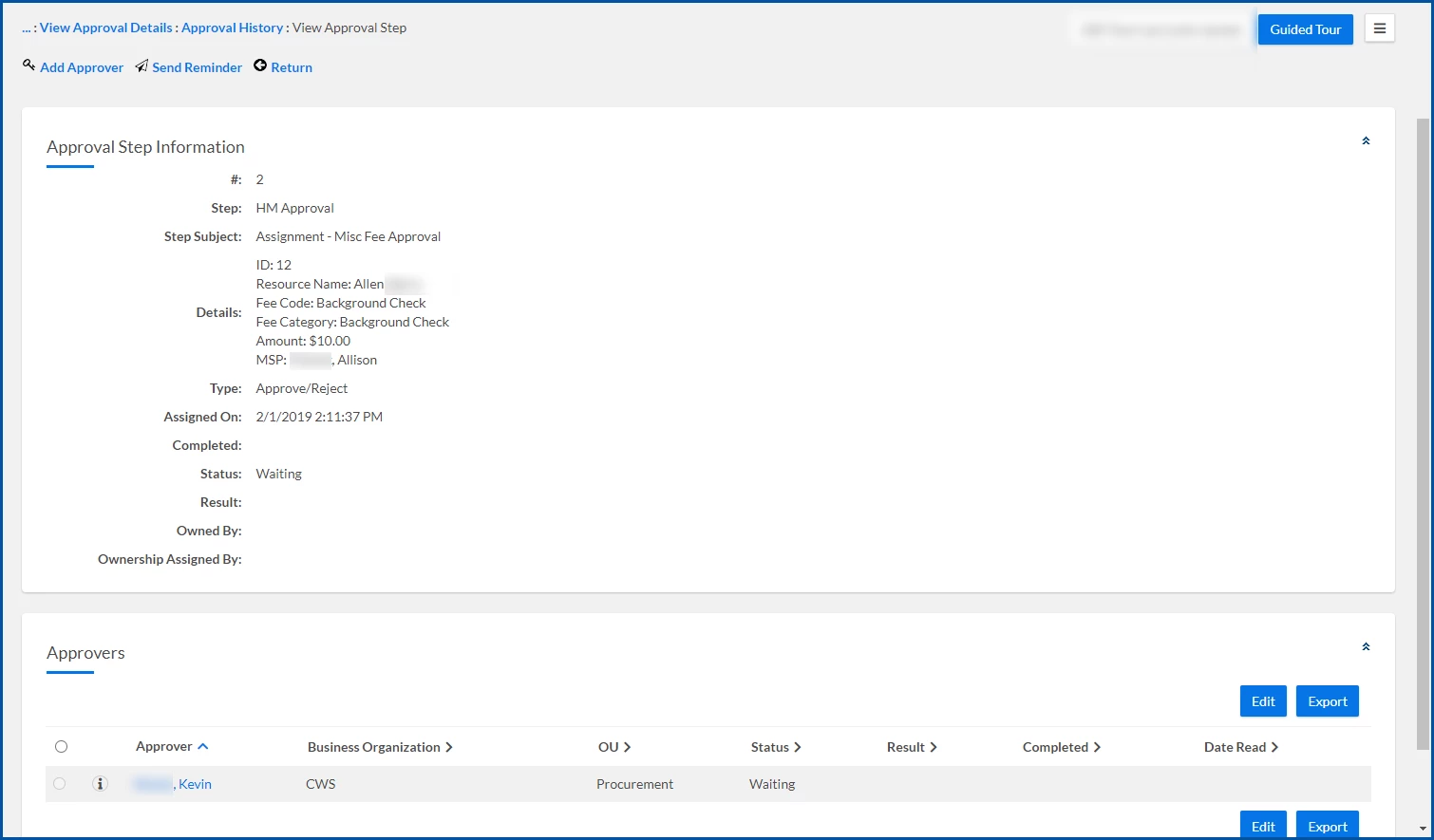
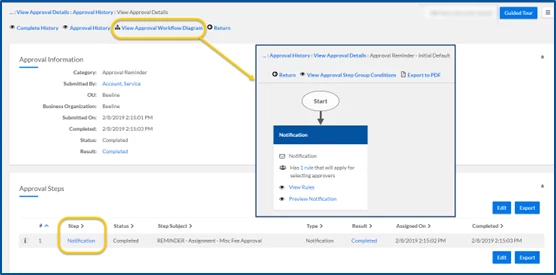
Optional. To view details for a specific approval step or phase, select the link in the Category column. A ViewApprovalDetails page displays showing you details about the specific approval step you selected. From the ViewApprovalDetails page, you can view more information about a specific step. Or drilldown to see even further details about a specific approval step, such as the visual approval workflow associate with the step you selected.
Select Return to go back to the ViewApprovalDetails page. TIP: If you drilled down to get additional details, you may need to select Return more than once.
Please complete the following fields as part of your Beeline Community registration. Unless noted as private, this information will be displayed on your user profile within the community.