Beeline is a “Data Driven” organization. Beeline understands the user’s need to gather information and present data. Beeline Enterprise houses several easy-to-use dashboard reports, list reports, and standard reports. The key to creating a report in Beeline Enterprise is knowing which report to use.
Dashboard
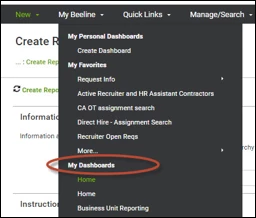
Dashboards can be found on the user’s homepage, within the Main Header. Dashboards are created by user role and can contain list reports and chats. These dashboards can be modified to meet the user needs. A Program Office can contact their Beeline Enterprise Representative to request modifications to the reports on a dashboard or replace the current reports with useful program data.
List Reports
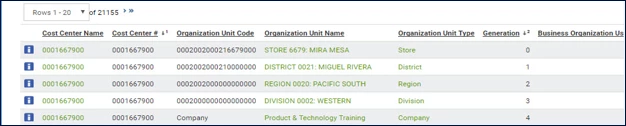
List reports are located throughout Beeline Enterprise. List reports can be modified and exported. Exporting the information allows the user to manipulate the data.
Reports Library
The reports library includes a broad range of report topics and is user role driven. While the Program Office has access to the full range of reports, the Hiring Manager only has access to the reports assigned to that user role. If a user is unable to retrieve the data they need from the dashboard reports or standard list reports, he/she can revise a standard report to generate a custom report.
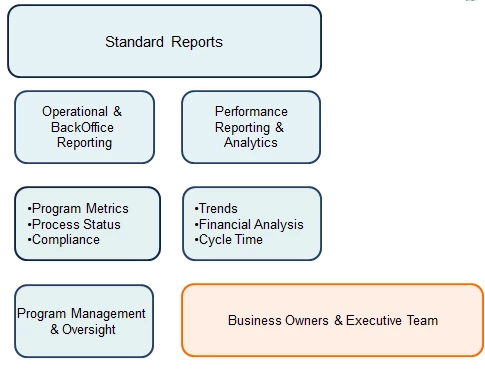
Use the chart provided below as a guide to determine which report would be the best source for the data you seek.